-
Shop
- Adidas
- Advanced Technologies
- AI Skills Mastery 2026 Collection
- Best-Sellers
- Car Accessories
- Dating & Social Skills
- Digital Resources
- AI Skills
- Beauty
- Budgeting & Saving
- Car Buying & Ownership
- Cozy Feast Collection
- Electronics & Technology
- Entrepreneurship & Business Growth
- Financial Education
- Financial Independence
- Financial Mindset & Psychology
- Goal Setting
- Hobbies
- Home Styling & Organization
- Leadership
- Mindfulness
- Mindset
- Parenting & Child Development
- Personal Style & Fashion
- Pet Lifestyle & Wellness
- Positive Thinking
- Sleep Improvement
- Smart Life with AI
- Stress Management & Relaxation
- Travel Planning
- Yoga & Fitness
- Yoga & Mind-Body Practices
- Education & Learning
- Family & Parenting
- Fashion
- Furniture
- Gadgets
- Health & Beauty
- Health & Wellness
- Home & Garden
- Jewelry
- Kids & Babies
- Kitchen
- Kitchen Best-Sellers
- Nike
- Patio, Lawn & Garden
- Personal Growth
- Pet Care
- Pet Supplies
- Pets
- Sport & Outdoors
- Travel
- Wealth
- YouTube Shorts Best-Sellers
- Popular
- Best deals
900 ANSI UST Projector Setup: Focus, WiFi 6 & Picture Tips
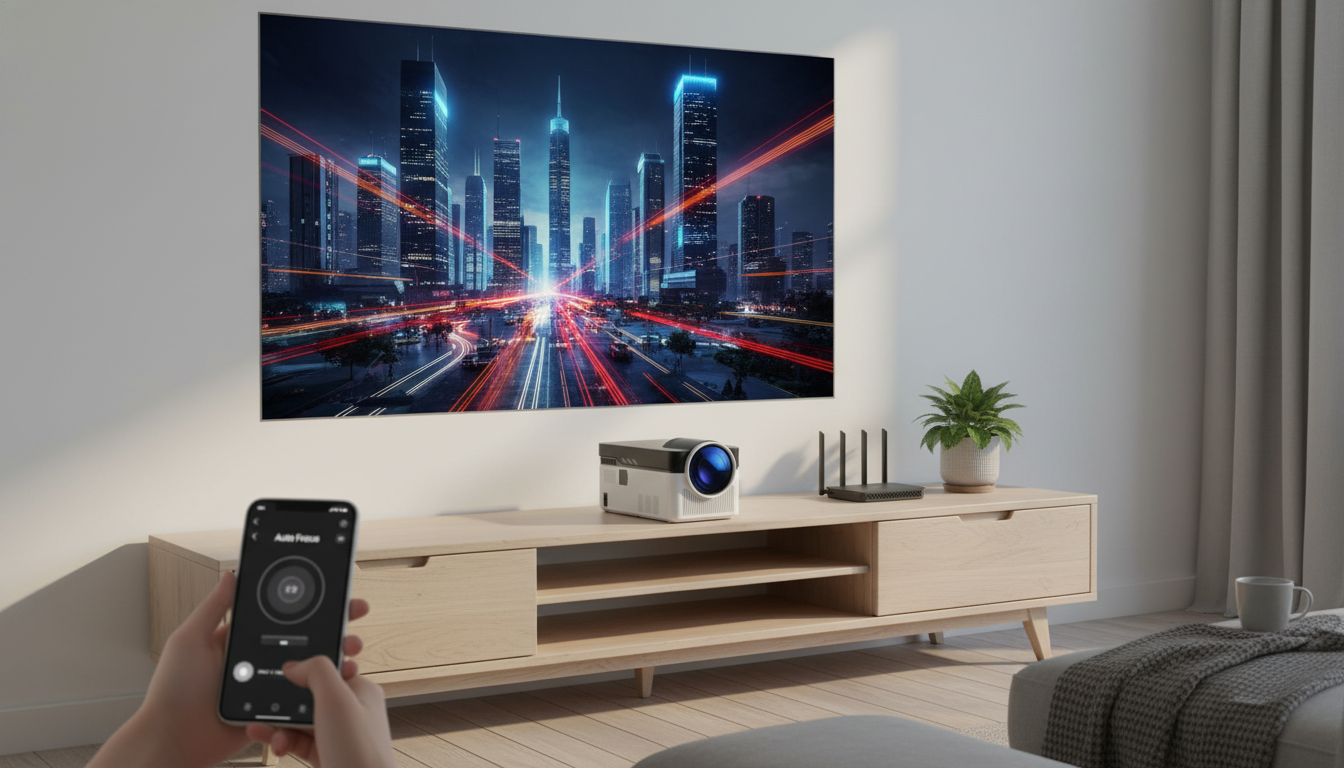
Ultra Short Throw Projector 900 ANSI 8K 1080P with Auto Focus & WiFi 6: What to Expect and How to Get the Best Picture
Ultra short throw (UST) projectors make big-screen viewing possible in tight spaces by projecting a large image from just inches away. A 900 ANSI model with auto focus and WiFi 6 is built for quick setup, flexible placement on a media console, and easy streaming without running long cables across the room. Below is a practical guide to what this kind of projector changes in your space, how to place it for a crisp rectangle (not a trapezoid), and what performance to expect for movies, sports, and gaming.
What an ultra short throw projector changes in a room
UST projectors solve a common problem: not everyone has the throw distance for a traditional projector. Instead of needing a long run from the back of the room, a UST unit sits close to the wall or screen and still produces a large picture.
- Places the projector close to the wall or screen to reduce shadows from people walking in front of the image.
- Helps create a large image in apartments, bedrooms, dorms, and living rooms where long-throw distance is limited.
- Pairs well with low-profile furniture because the projector can sit on a media console instead of a ceiling mount.
- Works best with careful alignment: small angle changes can noticeably affect geometry.
If you’re new to the concept of throw distance, it helps to understand throw ratio and how it relates to screen size and placement. Projector Central’s glossary offers a clear explanation of the basics: Projector Central Glossary: Throw Ratio.
Key features to understand before setup
Spec sheets can look straightforward, but a few terms deserve a closer look before you pick a spot for the projector and expect a certain level of brightness or sharpness.
- Brightness (900 ANSI): This impacts how well the image holds up with lamps on or daylight leaking in. You’ll get the best results in dim or controlled lighting, especially if you care about black levels and contrast.
- Resolution support (8K/1080P): “Support” often means the projector can accept higher-resolution input signals, while the native imaging panel is commonly 1080P. For real-world clarity (especially text and UI elements), confirm the native resolution in the product specs.
- Auto focus: Great for speed—move the unit, let it refocus, and you’re close. Final clarity still depends on surface flatness, distance, and careful alignment.
- WiFi 6: Offers better throughput and stability on compatible networks, particularly where many devices compete for bandwidth. For the technical overview, see the Wi‑Fi Alliance: Wi‑Fi 6 (802.11ax) overview.
- Inputs and audio: Check the HDMI/USB ports you’ll actually use, whether Bluetooth audio is supported, and if you plan to connect a soundbar or powered speakers.
Quick-start placement for a sharp, rectangular image
With UST projectors, placement is everything. The goal is a sharp picture with straight edges and even focus across the entire screen.
- Start with a flat, matte surface: A dedicated projector screen typically improves contrast and uniformity compared with textured paint or an imperfect wall.
- Center the projector and keep it level: UST geometry is sensitive to tilt. Even a small lean can turn your rectangle into a skewed shape.
- Let auto focus run after every move: Once it locks focus, fine-tune the projector’s position rather than leaning heavily on digital corrections.
- Use keystone correction sparingly: Digital keystone can reduce effective resolution and soften fine detail like subtitles, menus, and small text.
- Allow ventilation clearance: Keep vents unobstructed to prevent overheating, fan noise spikes, and performance throttling during long sessions.
A helpful workflow is to place the projector on the console, project an image, level the chassis, then “micro-adjust” left/right and forward/back until the edges sit where you want them. Only after placement is dialed in should you touch keystone or corner correction (if available).
Performance expectations: movies, sports, and gaming
| Scenario | Recommended setup | Why it helps |
|---|---|---|
| Daytime viewing | Close curtains, reduce direct light, consider a screen | Improves contrast and color saturation |
| Night movies | Dim lights, disable aggressive image sharpening | Smoother gradients and more cinematic look |
| Gaming | Use HDMI, enable low-latency mode if available | Reduces delay between controller input and on-screen action |
| Presentations | Increase brightness, use a neutral wall or portable screen | Boosts readability of charts and text |
Connectivity: WiFi 6, casting, and wired reliability
Care, maintenance, and long-term reliability
Featured items available now
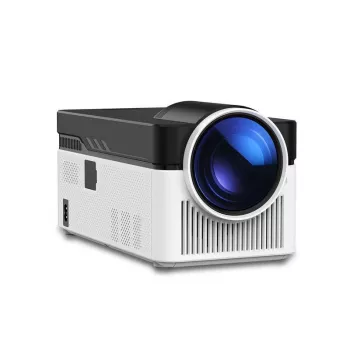
- Ultra Short Throw Projector 900 ANSI 8K 1080P with Auto Focus & WiFi 6 — a space-saving option designed for big images at short distance.
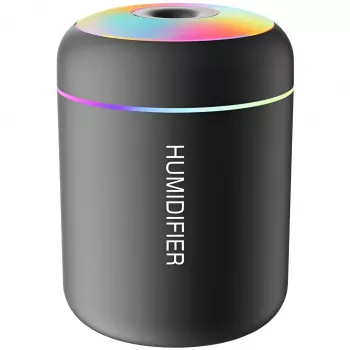
- Mini USB Aroma Humidifier & Essential Oil Diffuser with Soft LED Light — a simple way to make the room feel more comfortable during long viewing sessions.
FAQ
How close does an ultra short throw projector need to be to the wall?
Many UST projectors can create a large image from just inches away, but the exact distance depends on the projector’s throw ratio and the screen size you want. Check the product’s throw chart/specs and start with the projector centered and level for the easiest alignment.
Does “8K support” mean the projector displays native 8K?
Not necessarily. “8K support” often means it can accept an 8K input signal, while the projector displays at its native resolution (commonly 1080P) after scaling. Confirm the native resolution and supported input formats in the specifications.
Is 900 ANSI bright enough with the lights on?
900 ANSI can be fine for casual viewing in dim-to-moderate ambient light, but it looks best with some light control. Curtains, reduced direct light, and a proper screen can noticeably improve perceived contrast and color.










Leave a comment